
    How to Use VEED for Video Editing in 2026

    Master VEED for video editing in 2026! Learn how this browser-based platform & its AI features make professional video creation easy for everyone.

    Jump to
    How to Use VEED for Video Editing in 2026
    Illustration · CareerBuddy

    Video content dominates the internet. Whether you are creating educational content, marketing your business, building a personal brand, or producing social media reels, video is the format that captures attention and drives engagement. But professional video editing has traditionally required expensive software, powerful hardware, and specialized skills. VEED changes everything — it is a powerful, browser-based video editing platform that makes professional video creation accessible to everyone, regardless of technical ability.

    VEED runs entirely in your browser, which means you do not need to download any software or have a high-end computer. For African content creators and professionals working with varying levels of hardware and internet infrastructure, this browser-first approach is a significant advantage. In this guide, we cover how to use VEED to create professional videos that grow your brand and business.

    What Is VEED?
    VEED.io

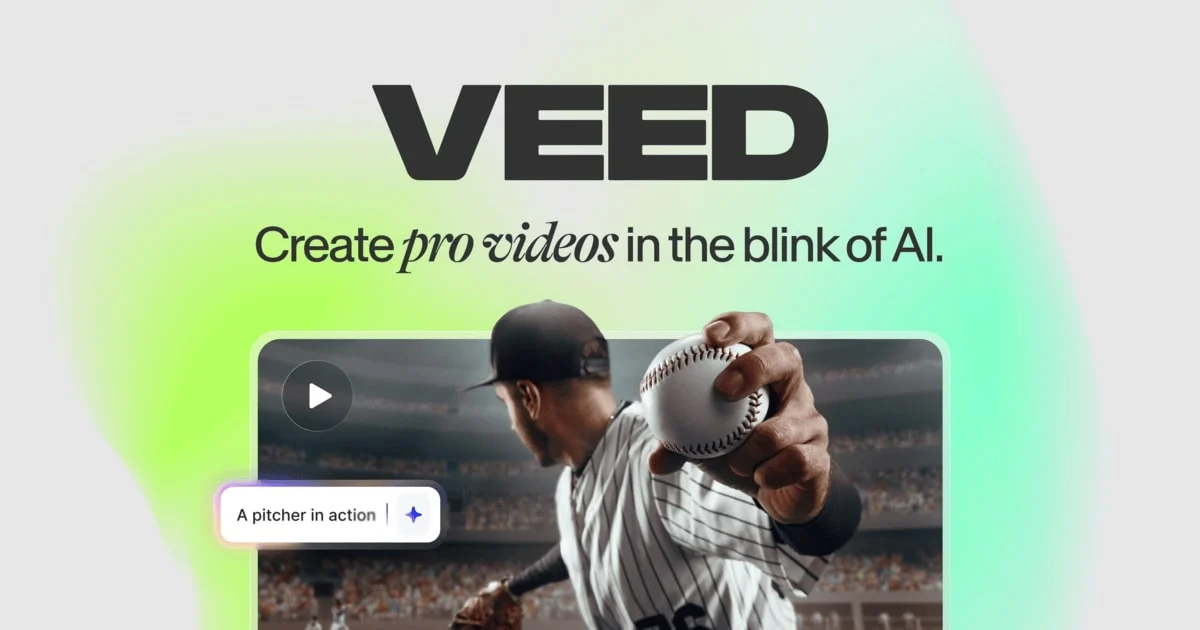
    VEED is an online video editing platform that combines traditional editing tools with AI-powered features to make video creation fast and intuitive. The platform supports everything from basic trimming and cutting to advanced features like automatic subtitles, AI avatars, screen recording, text-to-speech, background removal, and more. Over 4 million creators and businesses use VEED to produce professional video content without the complexity of desktop editing software.

    For African content creators and businesses, VEED solves the accessibility problem. Traditional video editing software like Adobe Premiere Pro or Final Cut Pro requires expensive licenses and powerful computers. VEED delivers comparable results for most common video editing needs through a simple browser interface that works on any device with an internet connection.

    Key Features

    1. AI-Powered Subtitles and Captions

    VEED's automatic subtitle generation is one of its standout features. Upload a video, and VEED transcribes the audio and generates subtitles in seconds. The AI supports over 100 languages, which is particularly valuable for African creators producing content in multiple languages. You can customize subtitle fonts, colors, positions, and animations. Given that most social media video is watched without sound, auto-generated subtitles are essential for engagement — and VEED makes adding them effortless.

    2. Screen Recording

    VEED includes a built-in screen recorder that captures your screen, webcam, or both simultaneously. This is perfect for creating tutorials, product demos, course content, and presentation recordings. For African professionals creating educational content or training materials, the screen recorder eliminates the need for separate recording software. Record directly in VEED, then edit the recording in the same platform.

    3. AI Video Generation

    VEED offers AI-powered features including text-to-video, AI avatars, and AI voice generation. You can create videos from text scripts using realistic AI presenters, generate voiceovers in multiple languages and accents, and produce content without ever appearing on camera. For businesses that need to produce video content at scale — product explainers, training videos, social media content — these AI features dramatically reduce production time and cost.

    4. Templates and Brand Kits

    VEED provides a library of video templates for different use cases — social media posts, ads, presentations, tutorials, and more. The Brand Kit feature lets you save your brand colors, fonts, logos, and intro/outro sequences so every video maintains consistent branding. For African businesses building brand recognition across social platforms, this consistency is crucial.

    5. Collaboration and Sharing

    VEED makes it easy to collaborate on video projects. Share editing links with team members, leave timestamped comments, and review videos together. When your video is ready, export in any format or share directly to social media platforms. The platform also generates shareable video pages with built-in analytics, so you can track how many people watch your video and for how long.

    Getting Started with VEED

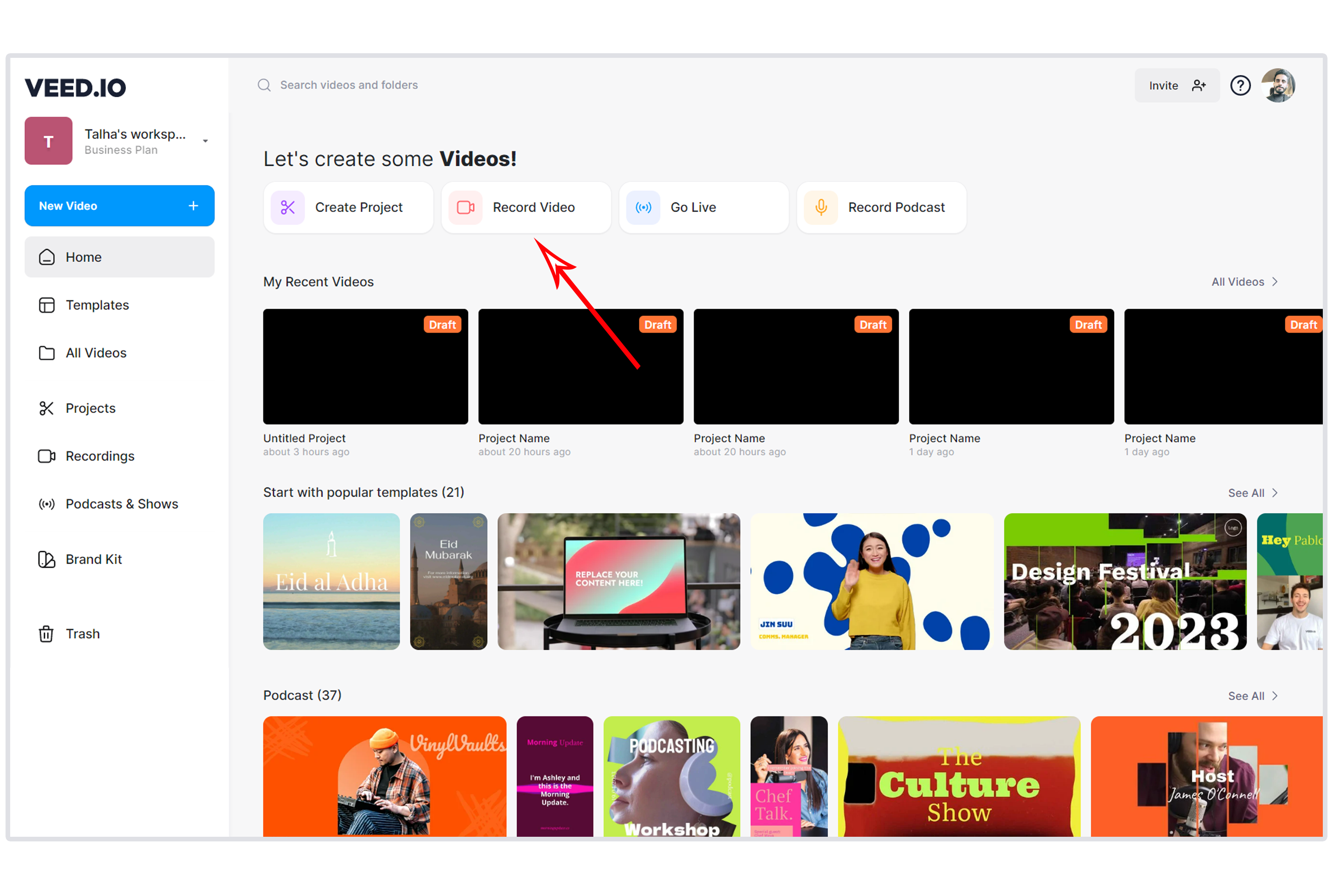
    Visit VEED and create your free account. The free plan lets you create and export videos with a VEED watermark. Upload your video footage, and the editor opens immediately. The interface is clean and intuitive — your video timeline runs along the bottom, editing tools appear on the left, and a live preview shows on the right.

    For your first project, try uploading a video and adding automatic subtitles. Click "Subtitles" in the left panel, choose "Auto Subtitle," select the language, and VEED generates subtitles in seconds. Review and edit the transcription for accuracy, customize the subtitle style, and export. This simple workflow demonstrates VEED's power — what would take 30 minutes or more manually is done in under 5 minutes.

    Practical Use Cases for African Creators

    VEED dashboard

    Social Media Content

    Create engaging short-form videos for Instagram Reels, TikTok, YouTube Shorts, and X. VEED's templates are pre-sized for each platform, and the automatic subtitle feature ensures your content is accessible on every platform. African creators and businesses producing daily social content can cut their editing time dramatically.

    YouTube Content

    Edit longer-form YouTube videos with VEED's timeline editor. Add intros, outros, transitions, text overlays, and background music. Generate subtitles for accessibility and SEO — YouTube's algorithm favors videos with accurate captions. For African YouTubers, VEED provides professional editing capabilities without requiring expensive software.

    Business and Marketing Videos

    Create product demos, customer testimonials, explainer videos, and promotional content. Use AI avatars and text-to-speech for scalable content production. A Nigerian e-commerce brand can produce product videos for every item in their catalog without filming each one individually.

    Educational and Training Content

    Record screen tutorials, edit course lectures, and create educational content with VEED's screen recorder and editing tools. African educators, trainers, and course creators can produce professional e-learning content without a video production studio.

    Podcasts and Audio Content

    Convert podcast episodes into engaging video clips with waveform animations, audiograms, and auto-generated subtitles. Repurpose your audio content for visual platforms to reach new audiences.

    Pricing

    VEED offers a free plan with basic features and a watermark on exports. The Basic plan removes the watermark and adds more storage and longer video support. The Pro plan unlocks advanced features including Brand Kit, unlimited subtitles, and priority rendering. Business plans add team collaboration and advanced analytics. Check VEED pricing for the latest rates and available discounts.

    Start Creating Videos Today

    Video is the most powerful content format on the internet, and the creators and businesses that embrace it gain a massive advantage. VEED removes the barriers of cost, complexity, and technical skill that have historically kept many African professionals from producing video content. If you have ideas worth sharing, VEED gives you the tools to share them beautifully — no experience required.

    Advertisement

    Advertisement

    In-Article Ad

    Native ad placement

    Ultimate CV Template for African Tech Roles
    Free Download

    Ultimate CV Template for African Tech Roles

    ATS-friendly CV template designed for tech jobs in Lagos, Nairobi, Cape Town, and remote positions.

    Get this on WhatsApp

    Join the CareerBuddy WhatsApp Group for daily career, salary, and AI-at-work intel for African professionals. Free, two taps.

    More Stories You'll Love

    Discussion

    Sign in or create a free CareerBuddy account to join the discussion. Comments are moderated; abusive posts are removed.

    No comments yet. Be the first — set the tone.
